Vetted local computer repair experts, real Huntsville pricing, and honest advice, everything you need to choose the right tech repair shop in the Rocket City. No quote farms. No spam. No out-of-state call centers.
Experienced local computer technicians
Compare up to 3 repair estimates
Laptop, desktop & Mac support
Same-day and emergency repair options available
Get Matched With Our Top 3 Picks
Our top 3 Huntsville computer repair pros call you, so you’re not chasing down a single quote.
How Homely Huntsville Helps You Compare Computer Repair Companies
Tell Us About Your Device
Share a few details about your laptop, desktop, Mac, or PC issue—from cracked screens and slow performance to virus removal and data recovery.
Get Matched With Trusted Local Technicians
We connect you with Huntsville-area computer repair professionals that fit your device and repair needs.
Compare Estimates & Choose With Confidence
Review pricing, repair timelines, warranties, customer reviews, and service options before making your decision.
Why Huntsville Residents Need Reliable Computer Repair
North Alabama households and businesses rely on computers more than ever, making fast and dependable repair services essential.
Remote work depends on reliable devices
Gaming PCs require specialized hardware support
Storm-related power surges can damage electronics
SSD upgrades dramatically improve older computers
Cybersecurity threats make virus removal increasingly important
Students rely on laptops for school year-round
When Should You Call a Computer Repair Technician?
Signs Your Computer Needs Professional Help
Small issues can quickly become permanent hardware failures or costly data loss.
Watch for these warning signs:
Computer won’t turn on
Blue screen or frequent crashes
Extremely slow performance
Loud clicking or grinding noises
Overheating and random shutdowns
Virus or malware infections
Broken laptop screen
Keyboard or charging issues
Wi-Fi connectivity problems
Lost or corrupted files
Average Computer Repair Costs in Huntsville
Understanding local pricing helps you recognize fair repair estimates before committing. Pricing varies based on the device, replacement parts, and complexity of the repair.
Service
Typical Cost
Diagnostic Service
$50–$100
Virus Removal
$80–$180
SSD Upgrade
$120–$300
Laptop Screen Replacement
$150–$350
Battery Replacement
$80–$220
Keyboard Replacement
$90–$200
Data Recovery
$150–$1,000+
Motherboard Repair
$200–$600
Custom PC Tune-Up
$75–$150
Additional Ways To Extend Your Computer’s Life
Preventive maintenance often saves hundreds of dollars in future repairs.
You can improve performance by:
Backing up important files regularly
Keeping software updated
Using antivirus protection
Cleaning dust from cooling fans
Replacing aging hard drives with SSDs
Avoiding overheating by improving ventilation
Testing batteries before they fail
Many computers that feel “old” simply need storage upgrades or maintenance rather than replacement.
Is Repair Better Than Replacing?
For many Huntsville residents, repairing a computer is often the smarter investment.
Repair usually makes sense if:
The device is under 5–7 years old
The motherboard is functioning
The repair costs significantly less than replacement
Important data needs to be preserved
Replacement becomes more practical when multiple major components have failed or repair costs approach the value of a newer computer.
Red Flags When Hiring a Computer Repair Shop
Avoid repair shops that:
Won’t provide written estimates
Promise guaranteed data recovery without evaluation
Refuse to explain the diagnosis
Use vague pricing with hidden fees
Don’t offer warranty coverage
Recommend replacing your device immediately
Have poor customer communication
Cannot explain replacement part options
Don’t back up data before repairs
Pressure you into unnecessary upgrades
Questions to Ask Before Approving Computer Repairs
Before authorizing service, ask:
What caused the issue?
Is my data safe during repair?
How much will diagnostics cost?
Will genuine or aftermarket parts be used?
Is there a warranty on the repair?
What’s the expected turnaround time?
Can this computer be upgraded instead?
Will my files be preserved?
Are there additional labor charges?
Will you contact me before performing extra work?
Computer Component Lifespans
Most computer components gradually decline over time rather than failing instantly.
Component
Average Lifespan
SSD
7–10 years
Hard Drive
3–5 years
Laptop Battery
2–5 years
RAM
8–12 years
Power Supply
5–10 years
Cooling Fans
5–8 years
Desktop Monitor
7–10 years
Huntsville Appliance Maintenance Schedule
Huntsville Computer Maintenance Schedule
Routine maintenance helps prevent hardware failures and data loss.
Spring Maintenance
Remove dust from vents and fans
Update operating system
Check antivirus software
Back up important files
Summer Maintenance
Monitor overheating
Clean cooling systems
Check battery health
Inspect charging cables
Fall Maintenance
Upgrade storage if needed
Test backup drives
Update security software
Optimize startup programs
Winter Maintenance
Inspect surge protectors
Test external backup devices
Clean keyboards and ports
Review cloud backup status
Recommended Maintenance Frequency
Task
Recommended Frequency
Software Updates
Monthly
Antivirus Scan
Weekly
File Backup
Weekly
Dust Cleaning
Every 3–6 months
SSD Health Check
Annually
Battery Health Test
Annually
Full System Tune-Up
Every 12 months
Trusted Home Improvement Store
Quality products at affordable prices.
Shop top-tier home improvement solutions with expert support, and a seamless buying experience at The Trade Table.
Computer repair in Huntsville comes with its own set of challenges. North Alabama’s growing technology workforce, remote professionals, students, and small businesses depend on reliable computers every day. From liquid-damaged laptops and failing hard drives to malware infections and custom PC upgrades, knowing what to expect from a professional repair shop can help you protect your data and avoid unnecessary replacement costs.
We keep this guide current because we live here. It’s written specifically for residents and businesses in Huntsville and Madison County—not based on national averages or generic computer repair advice.
Our Top 3 Huntsville Computer Repair Picks
These are the computer repair shops Huntsville residents trust most—selected for their local reputation, technical expertise, customer experience, and commitment to reliable service throughout North Alabama. Tell us about your device and we’ll connect you with the right fit.
1. Huntsville Computer Doctor
Huntsville Computer Doctor specializes in fast, reliable repair services for laptops, desktops, business computers, and networks. Their experienced technicians provide diagnostics, hardware repairs, software troubleshooting, upgrades, and business IT support while emphasizing clear communication throughout the repair process.
For residents and businesses looking for experienced technicians with dependable turnaround times and professional service, Huntsville Computer Doctor is an excellent choice.
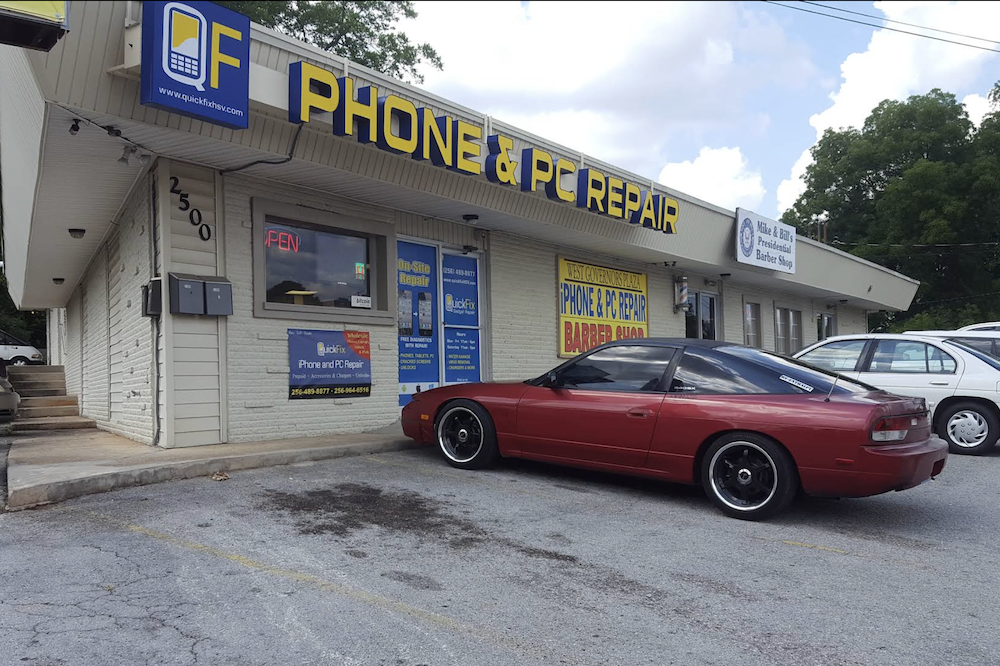
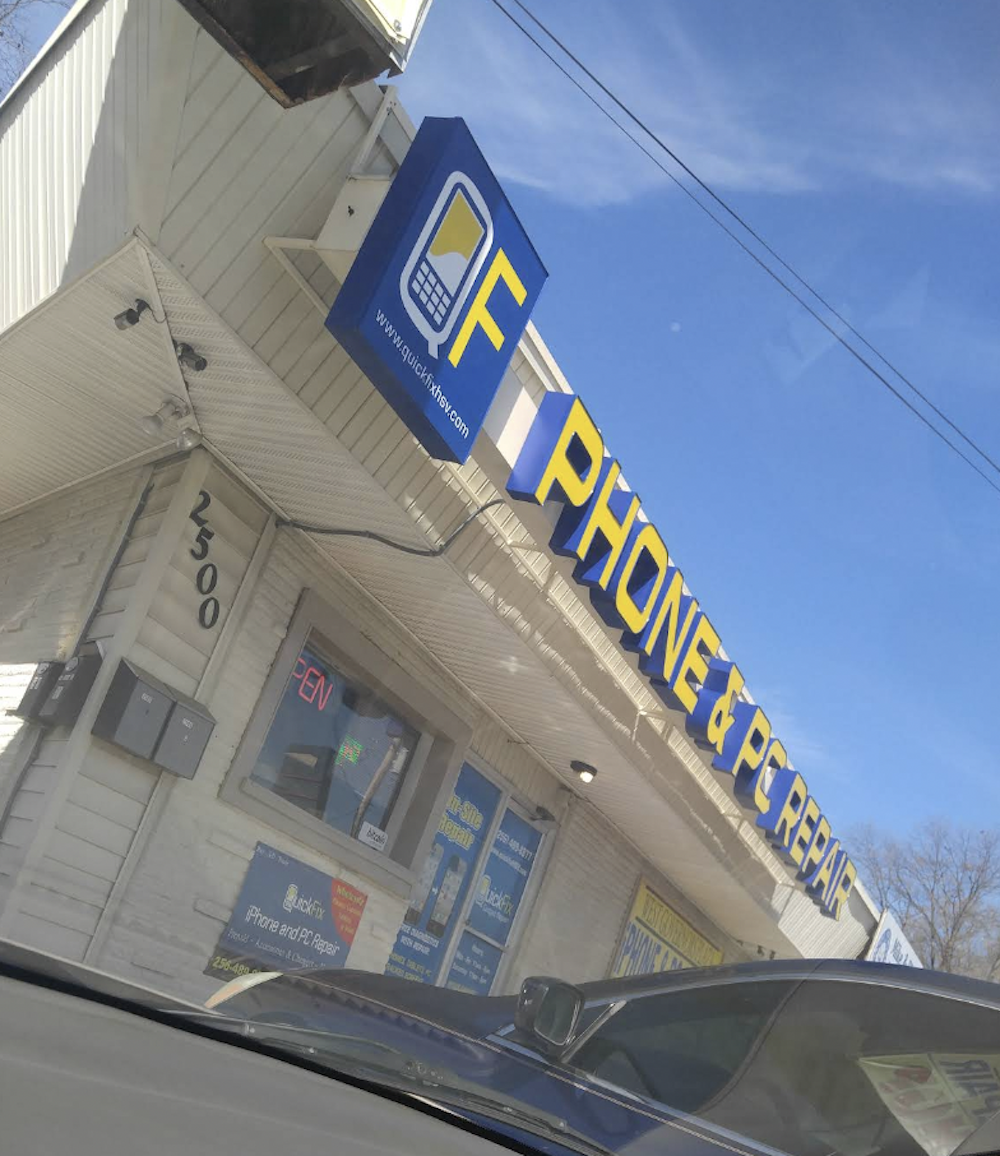
2. QuickFix Phone & PC Repair
QuickFix Phone & PC Repair provides computer and phone repair services including diagnostics, screen replacements, virus removal, battery replacement, hardware upgrades, and software repairs. Their technicians are known for efficient service and helping customers get devices back up and running quickly.
For customers looking for fast turnaround times and expertise across both computers and mobile devices, QuickFix is a strong option.
3. A2Z Tech Fix LLC
A2Z Tech Fix LLC has earned an outstanding reputation for personalized service, expert diagnostics, and in-home or on-site technical support. From motherboard repairs and file recovery to printer troubleshooting and laptop repair, their technicians are frequently praised for solving complex problems while communicating clearly throughout the process.
For homeowners and small businesses seeking highly rated local computer repair with exceptional customer service, A2Z Tech Fix is a dependable choice.
Homely Huntsville curates these recommendations independently. When you submit your repair request, we may share your information with up to three local computer repair businesses so they can provide estimates. We’re not affiliated with these companies and don’t control how or when they contact you.
Frequently Asked Questions
How much does computer repair cost in Huntsville?
Most diagnostic services range from $50–$100, virus removal typically costs $80–$180, laptop screen replacement often falls between $150–$350, and data recovery pricing varies depending on the severity of the drive failure.
Is it worth repairing an old computer?
In many cases, yes. Upgrading storage to an SSD or replacing a battery can significantly improve performance for a fraction of the cost of buying a new computer, especially for devices under seven years old.
What should be included in a repair estimate?
A professional estimate should include diagnostic fees, labor, replacement parts, expected turnaround time, warranty information, and whether your existing files will be preserved during the repair.
Can my files be recovered from a damaged computer?
Often, yes. Data recovery depends on whether the storage drive is physically damaged or experiencing software issues. A professional technician can evaluate the drive before recommending recovery options.
How long does laptop battery replacement take?
Most battery replacements can be completed within one to two hours once the correct replacement part is available, although some models may require additional disassembly.
What are signs my computer needs immediate repair?
Common warning signs include failure to boot, repeated crashes, overheating, unusual noises, malware infections, charging problems, broken screens, or sudden loss of important files.
Is virus removal better than reinstalling Windows?
It depends on the infection. Many malware issues can be safely removed without erasing your files, while severe infections may require a clean operating system installation for maximum security.
Should I upgrade to an SSD?
For many older computers, upgrading from a traditional hard drive to an SSD is one of the most noticeable performance improvements, reducing boot times and making everyday tasks much faster.
How long do most computer repairs take?
Simple repairs such as virus removal or software troubleshooting may be completed the same day, while hardware repairs, screen replacements, or motherboard diagnostics may take one to several business days depending on parts availability.
What areas does this guide cover?
Huntsville, Madison, Hampton Cove, Harvest, Meridianville, New Market, Owens Cross Roads, and the surrounding Madison County communities.


 64°C | °F